Recipe - Parent Phone Numbers on Check-in Labels
Skill level: Beginner
Organization: Kingdom First Solutions Inc. (KFS)
Requires Rock: 1.14.0
{# strip images & classes from the HTML but otherwise leave structure #}
This recipe is written by Kingdom First Solutions on behalf of New Life Church (Pestigo, WI). They contacted us wanting to add parent's mobile phone numbers to their check-in labels and wanting to make sure the solution was shared with the community.
For legacy check-in:
- Go to Admin Tools > Check-in > Label Merge Fields
- Click the plus sign on the grid to add a merge field
- Create the Parent Phone Numbers merge field
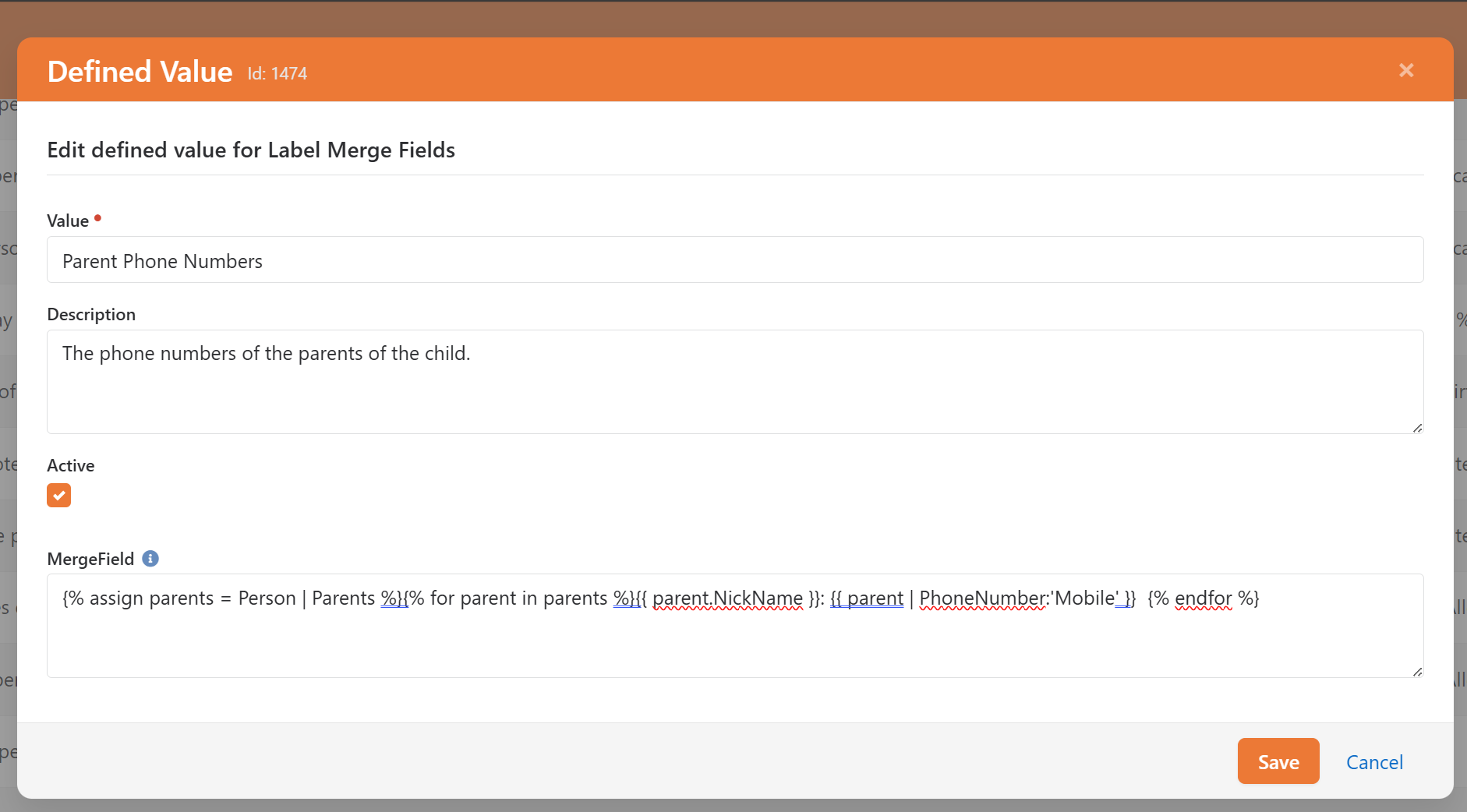
- Use the following lava as the MergeField
{% assign parents = Person | Parents %}{% for parent in parents %}{{ parent.NickName }}: {{ parent | PhoneNumber:'Mobile' }} {% endfor %}
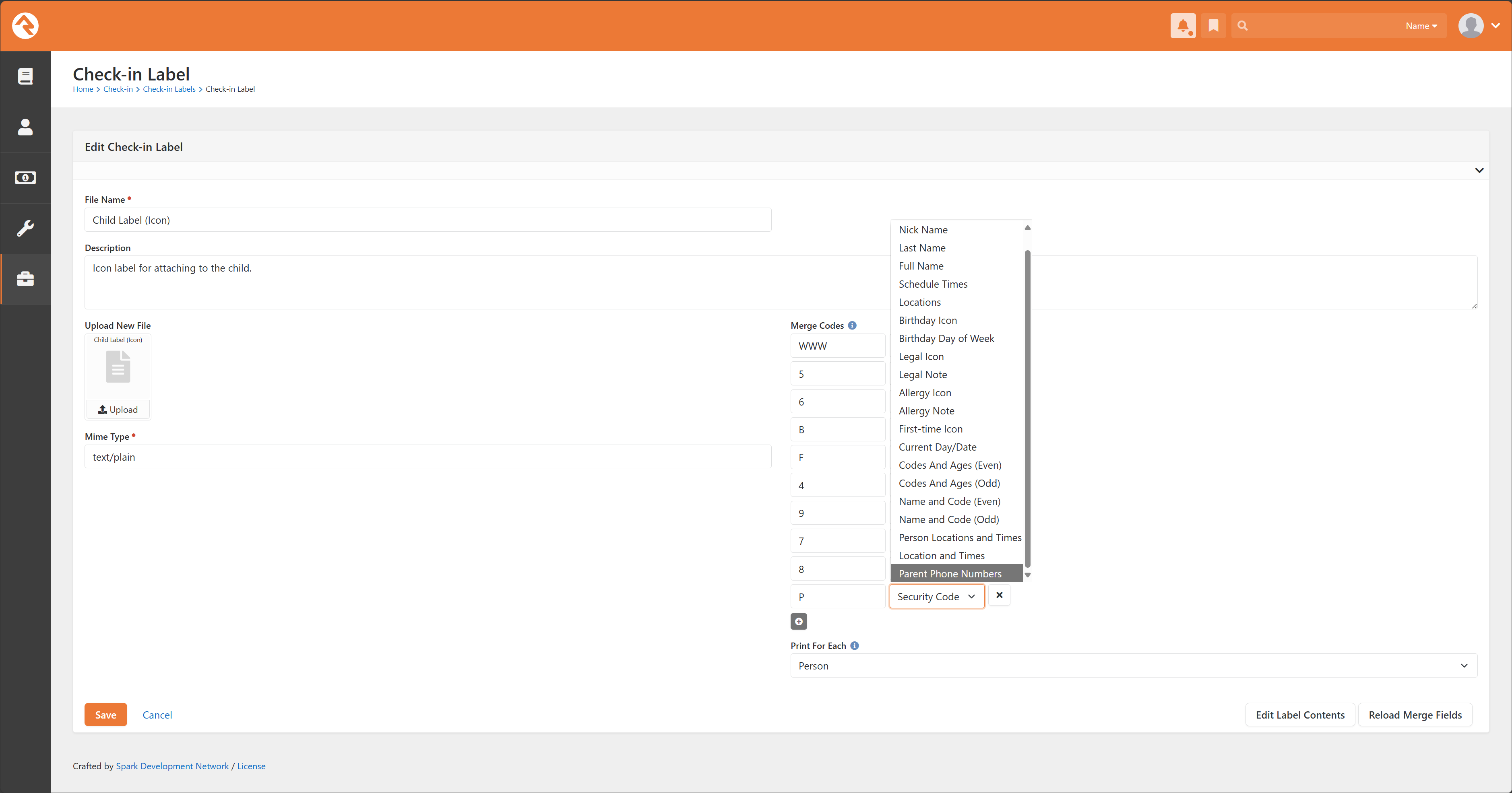
- Go to Admin Tools > Check-In > Check-in Labels and choose the label you want to add the field to.
- Under Merge Codes, add a new code with P as the code and Parent Phone Numbers as the field type.
- Edit the label contents
- For this example, I used the Core Child Label (Icon).
- Modify the ZPL to include your merge field. I modified line 16 and added line 17
^FB330,2,0,L^FT8,367^A0N,28,28^FH\^FD9^FS
^FB330,2,0,L^FT8,412^A0N,28,28^FH\^FDP^FS
- Save your label. You may have to adjust ZPL if you have modified the label.
For Next Gen Check-in:
- Go to Admin Tools > Check-In > Next-gen Labels
- If you haven't already, you will need to create a custom label. The core labels cannot be modified.
- Go into Label Designer
- Add a Text control to your label
- Set the Placeholder Text, Font Size, etc for your field
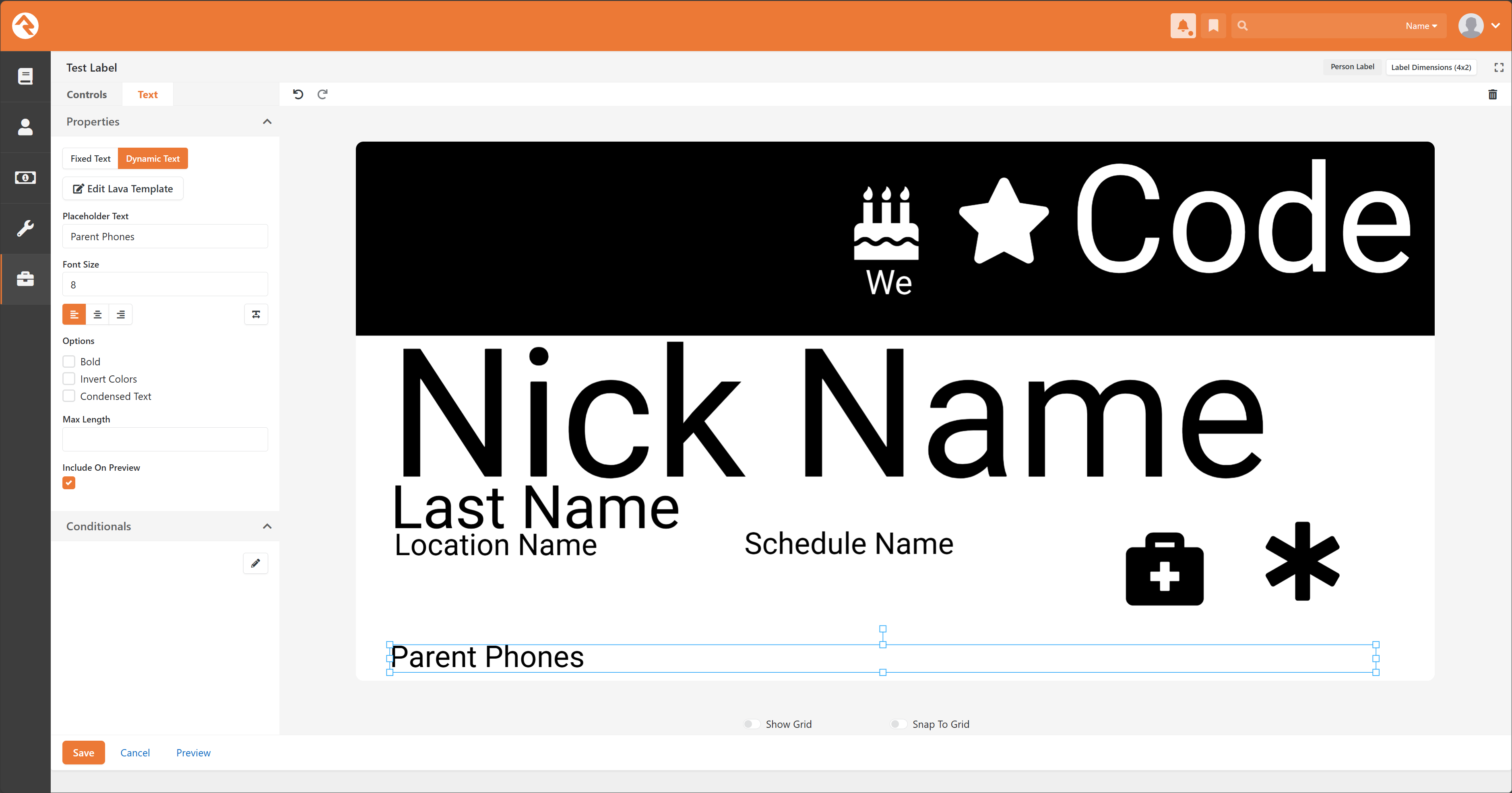
- Choose Dynamic Text and click Edit Lava Template
- Use the following lava to add Parent Phone Numbers to your label
{% assign parents = Person | Parents %}{% for parent in parents %}{{ parent.NickName }}: {{ parent | PhoneNumber:'Mobile' }} {% endfor %}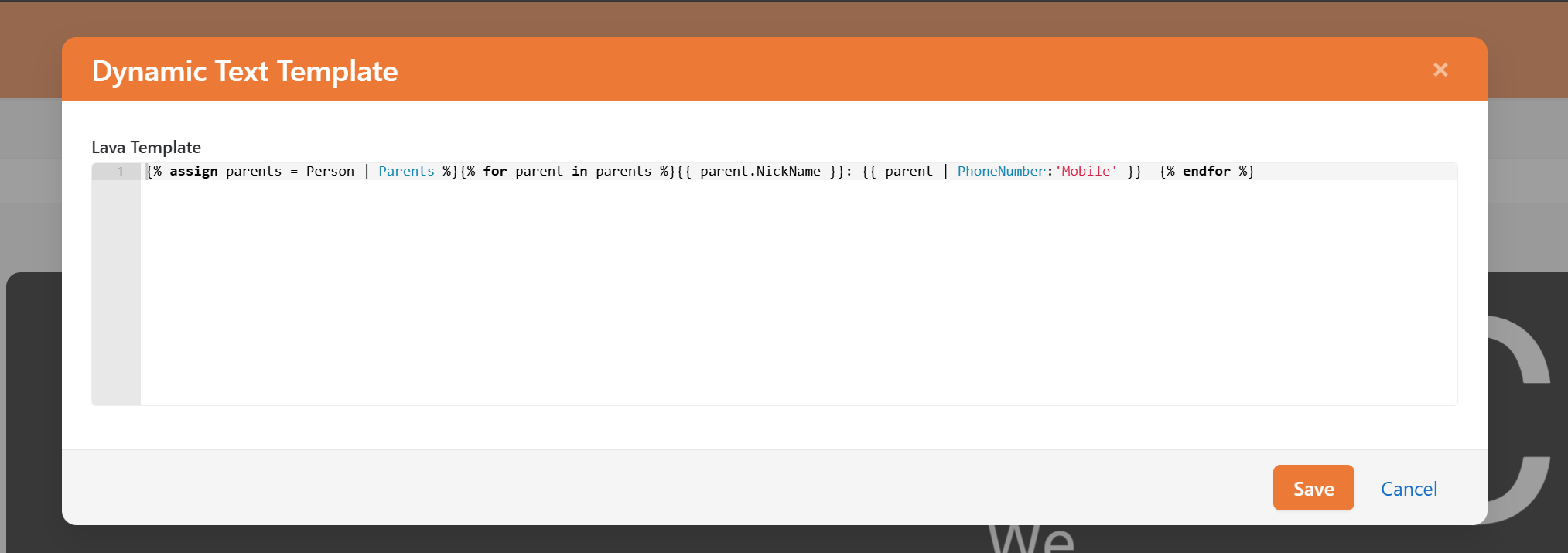
Feel free to reach out if you have any problems with this recipe.