Recipe - Bulk Adding Steps
Skill level: Beginner
Organization: My Well Ministry
Requires Rock: 1.14.0
{# strip images & classes from the HTML but otherwise leave structure #}
Do you need to add a step to a data view or group of people or any other grid of people in Rock?
Here one way to accomplish this.
- Navigate to the Bulk Update page by going to CMS Configuration -> Pages -> Internal Homepage -> Bulk Update
- Click "Add Block to Section"
- Search for the Step Bulk Entry Block and add this block to the page.
- In the block settings you can choose to pre-select a certain step to speed up the build of these steps:
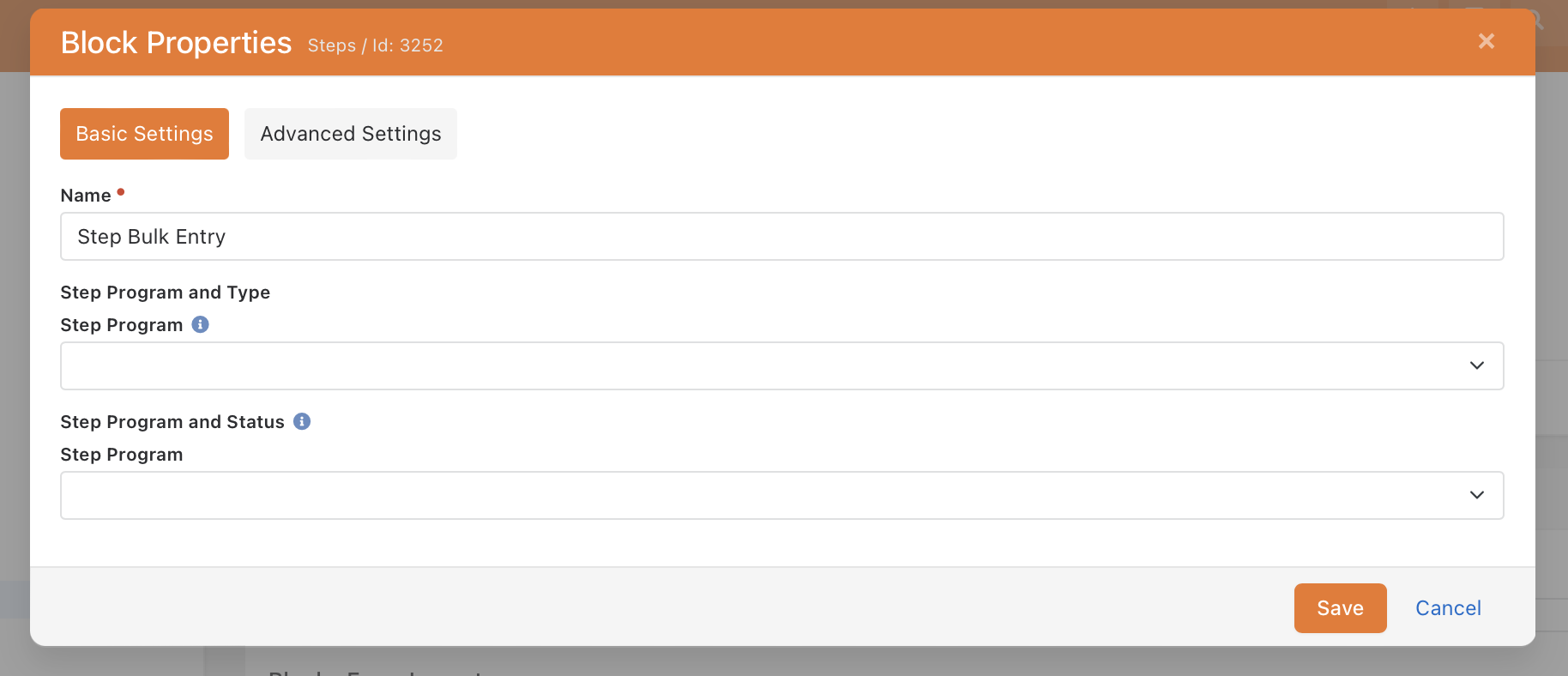
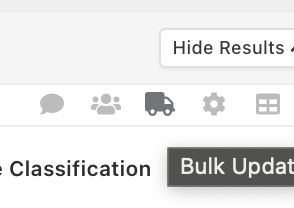
- Then navigate to your list of people(Dataview, group, report, etc) and click the Truck icon:
- After clicking on the truck, scroll to the bottom of the page to use the build steps block:
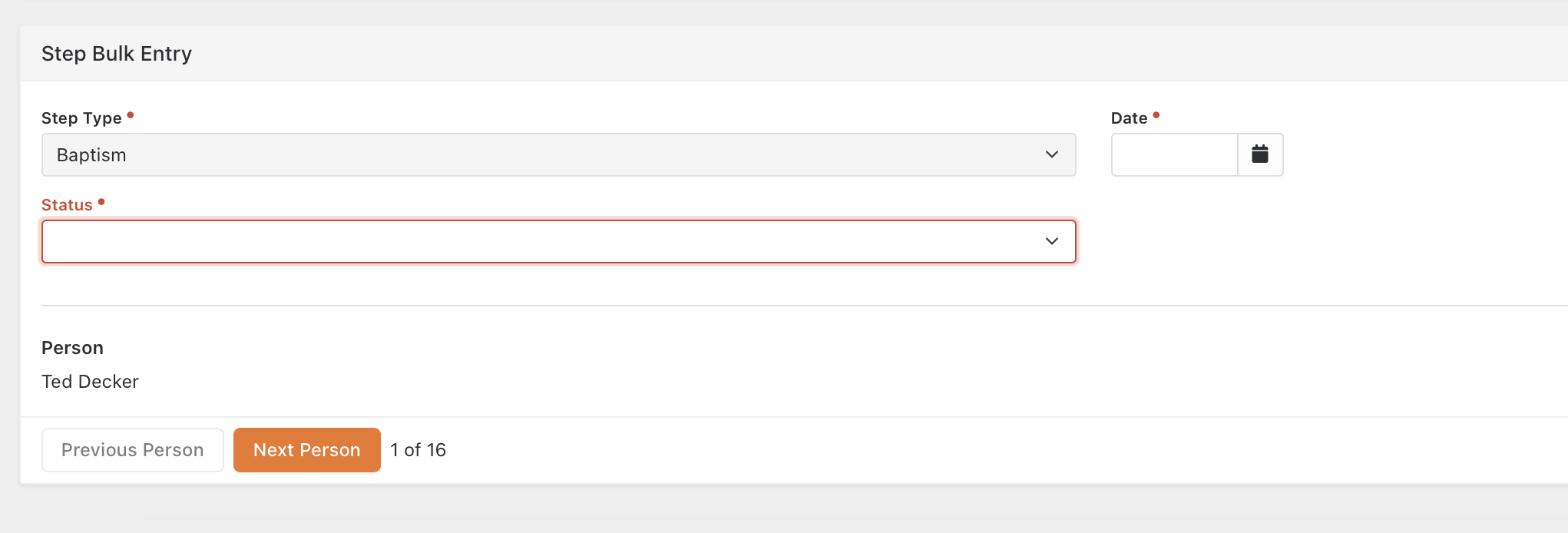 You will see the (1 of 16) showing the number of people you selected.
 - Click through and build the steps!
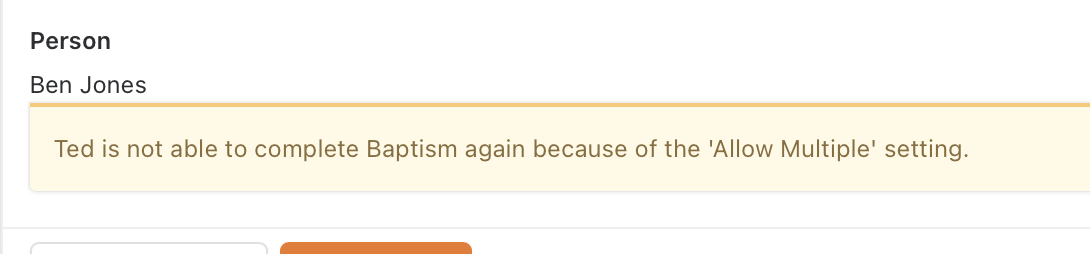
- NOTE: If a person already has this step and isn't allowed to have multiple it will show a warning, but will allow you to keep proceeding.
Happy Step building!
Screenshots
- /GetImage.ashx?guid=af7866af-a3a4-44f4-bfe7-4c83ffec3b5c