Recipe - Create Team Pages to House Reports, Analytics and More
Skill level: Beginner
Organization: Christ Fellowship Church
{# strip images & classes from the HTML but otherwise leave structure #}
Do your Ministries know about all the features and functionality available to them and
where to find them in Rock? Bring visibility and cohesion while improving the ministry
user experience and buy-in by creating Team Pages that function as a one-stop
shop for ministries.
Here is a quick view of what Team Pages look like:
From Navigation bar, we click on Connections Team Page
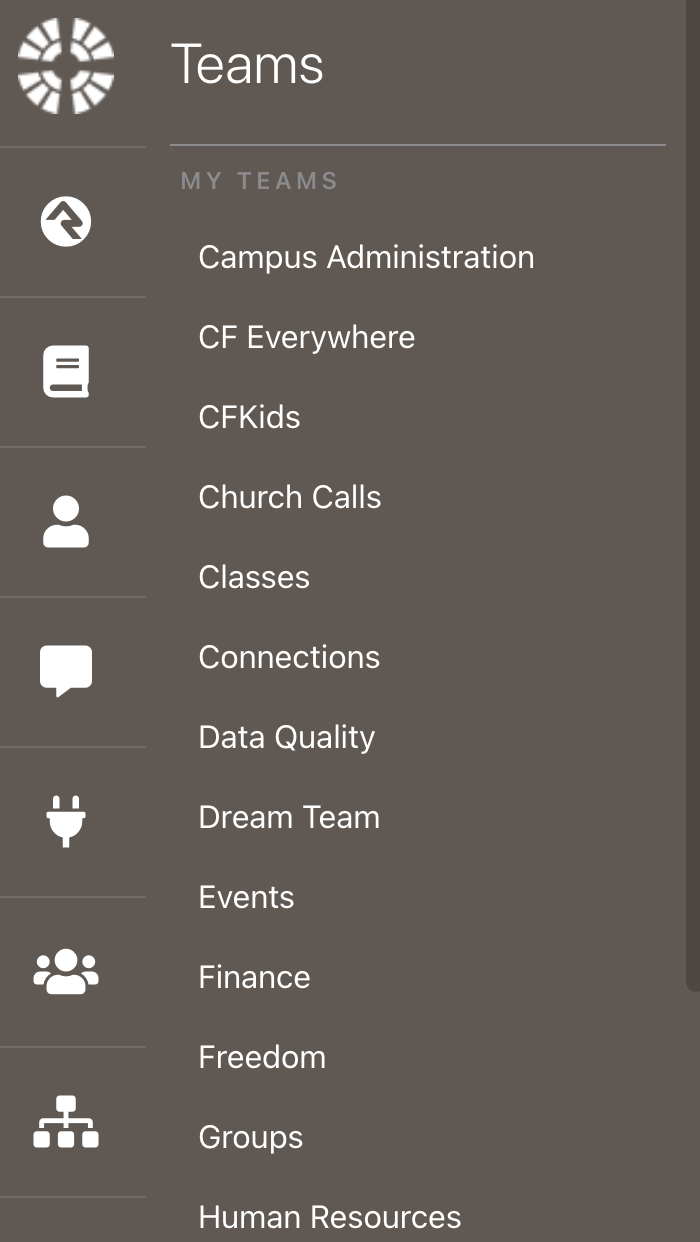
This takes you to a page with a page menu of all the reports, links to connection boards, metrics, KPIs and person analytic redirects they need. You can add links to defined types so the team can update or add a new values, add redirects to video trainings, access to a specific connection type so they can update the default connectors. Your options are limitless, you can customize each page for each team for what is essential to set them up for success.
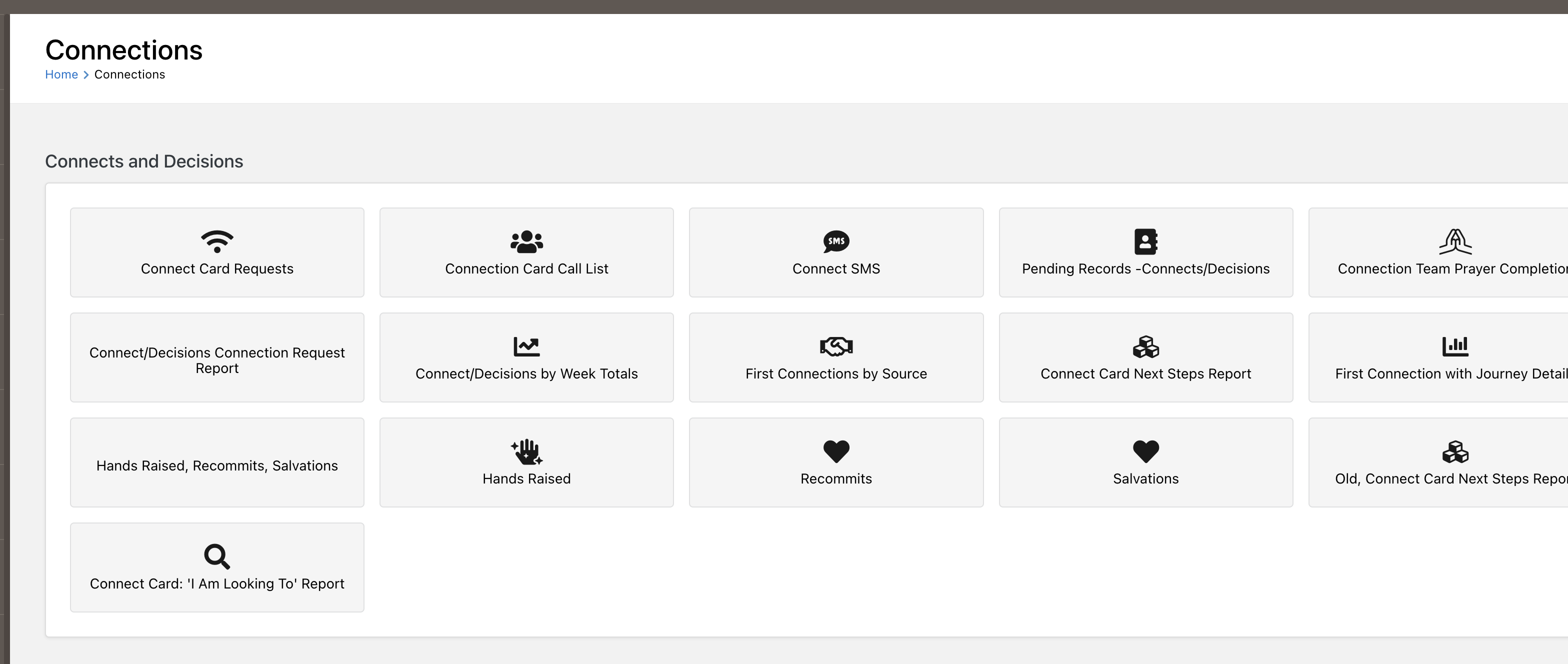
Here is a step by step video tutorial on how to set this up.
https://soapbox.wistia.com/videos/Qu1Qwk2m6c
Screenshots
- /GetImage.ashx?guid=cad62b4b-e62e-4439-bd9f-12d2a12a93a9