Recipe - Change Connector for Multiple Connection Requests
Skill level: Beginner
Organization: Cornerstone Church (AZ)
Requires Rock: 1.12.0
{# strip images & classes from the HTML but otherwise leave structure #}
I found myself having to spend too much time changing the connector for active connection requests when a staff member left so I created a simple workflow to do the work for me. Import the workflow, edit it to specify who the new connector is, select the connection requests you want to edit, then initiate the workflow. Other methods could be used to designate the new connector, but this method is super easy and has saved me lots of time and irritation.
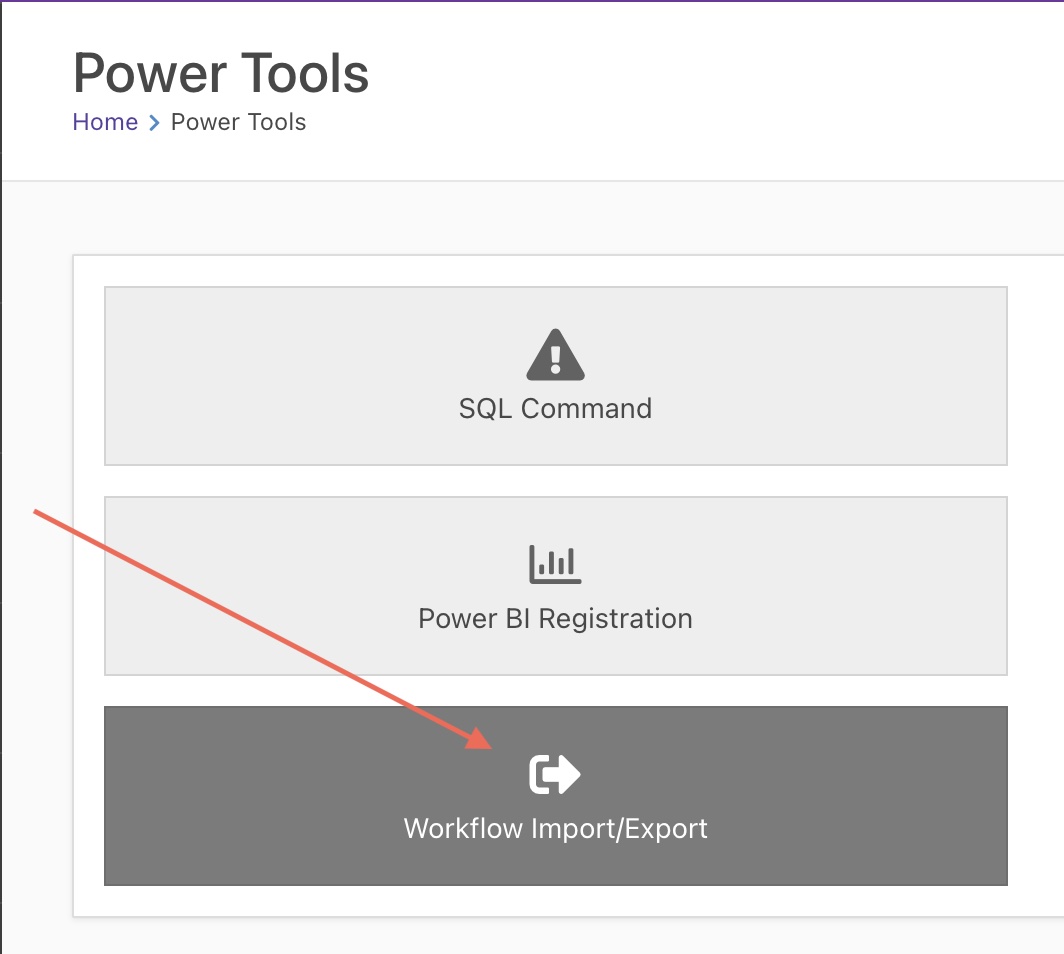
Step 1. Import workflow
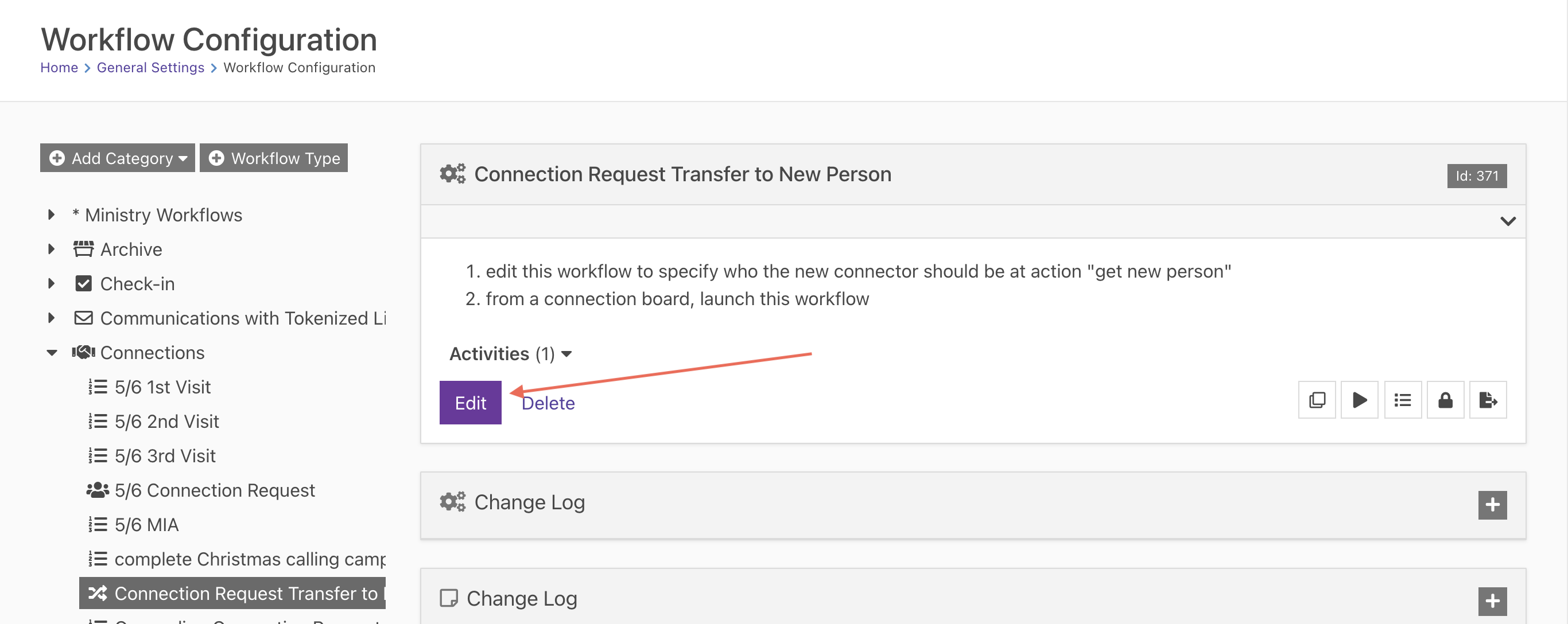
Step 2. Edit workflow
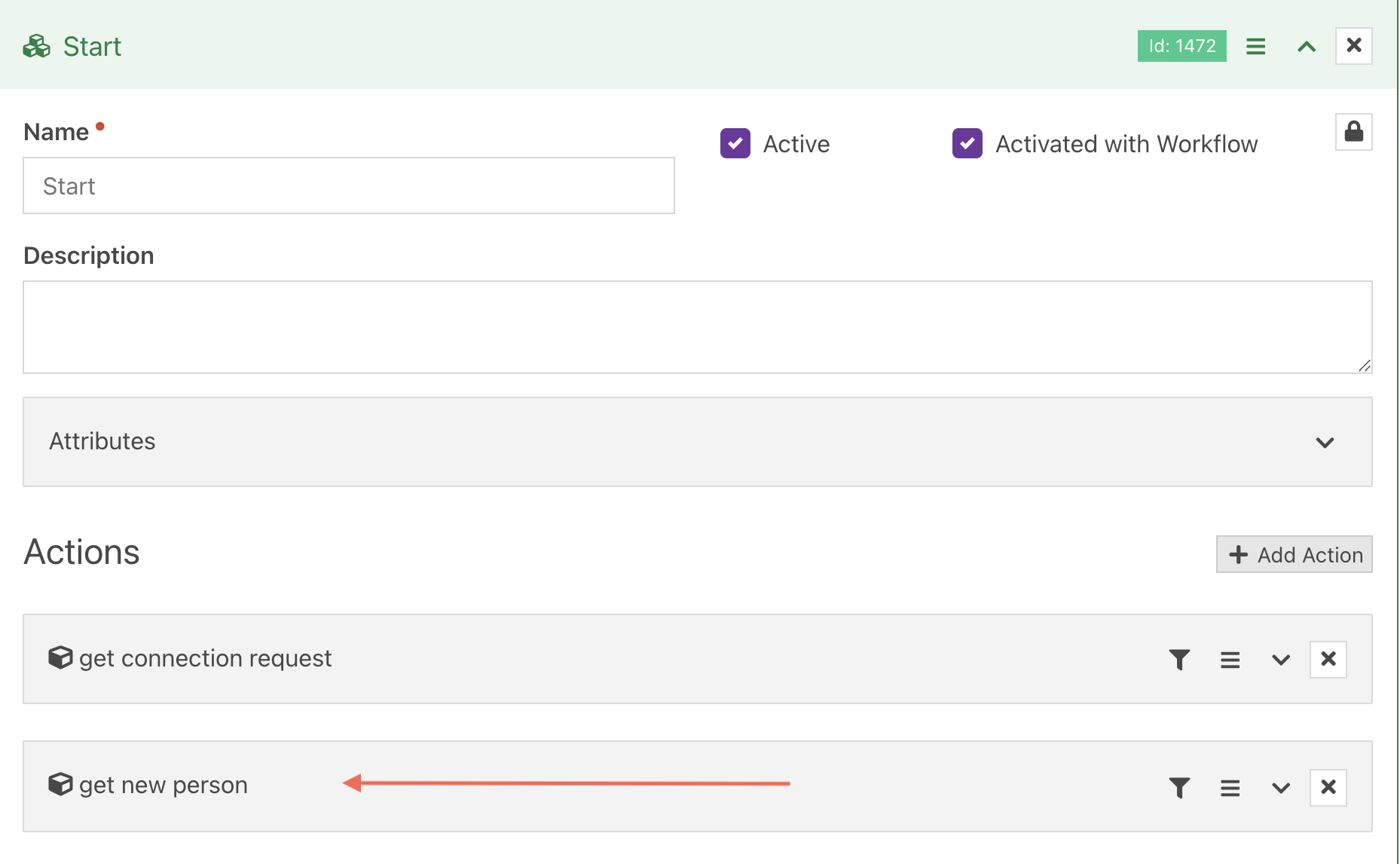
Step 3. Edit action "get new person"
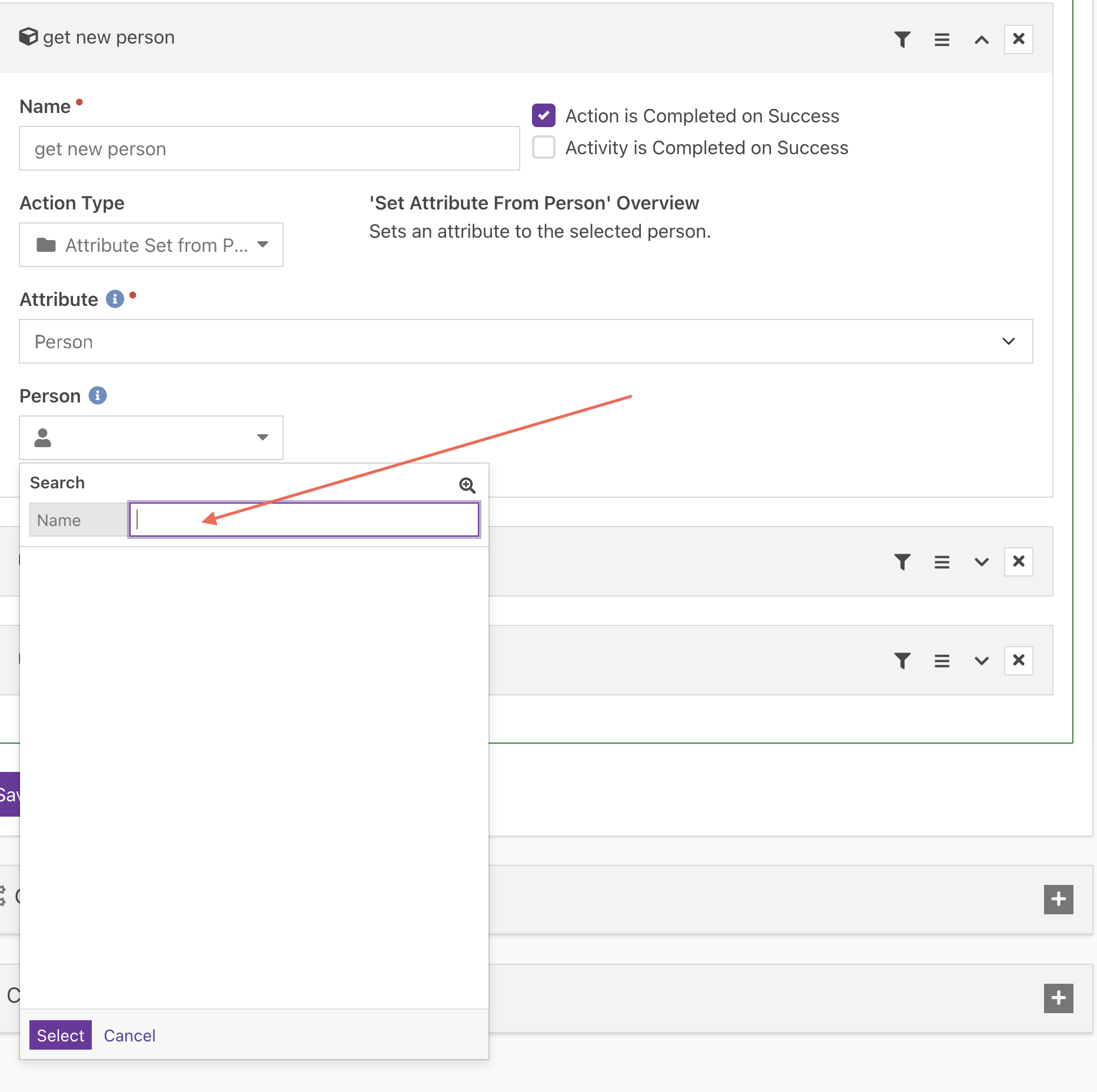
Step 4. Select who you want the new connector to be and save the workflow
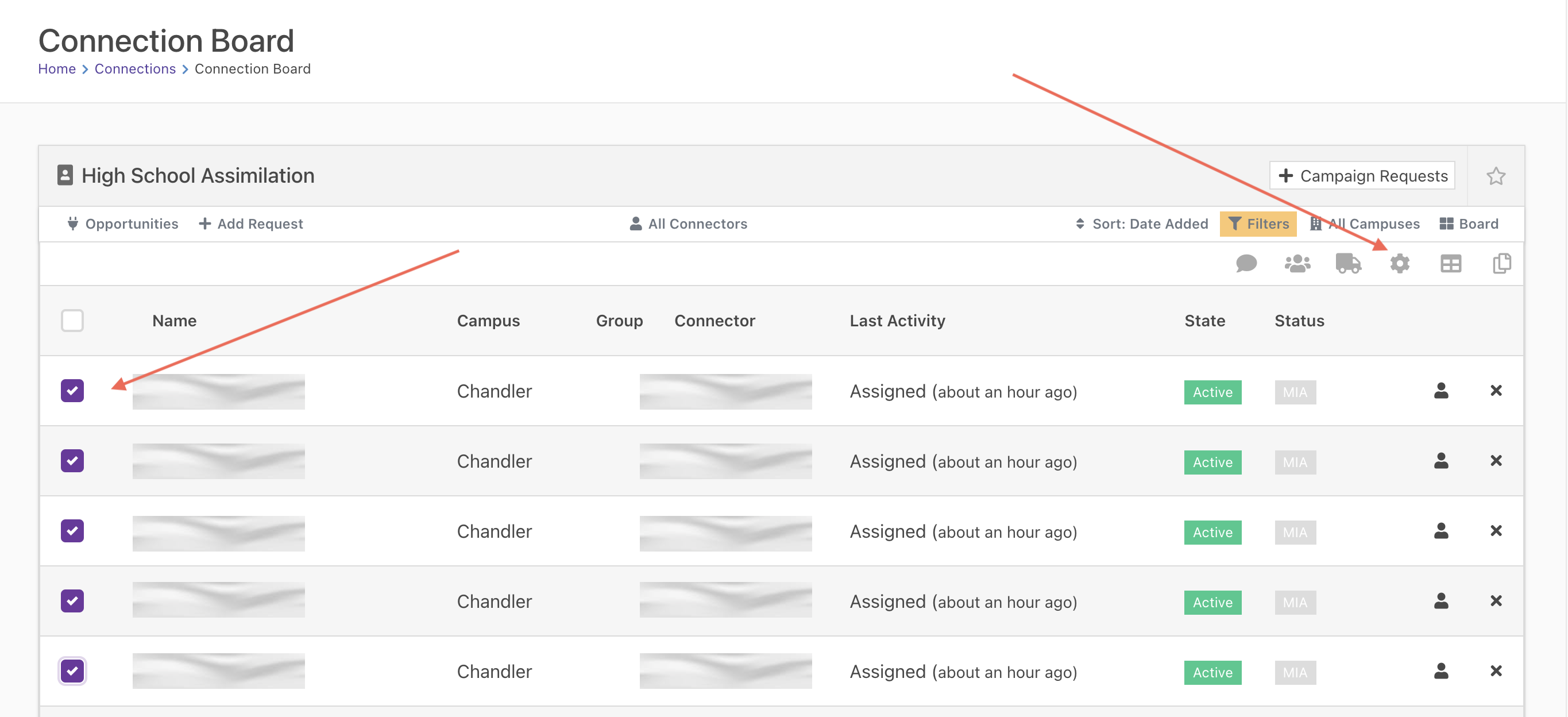
Step 5. Display the connection opportunity and select the connection requests that you want to change (or select none to change all), then "launch workflow"
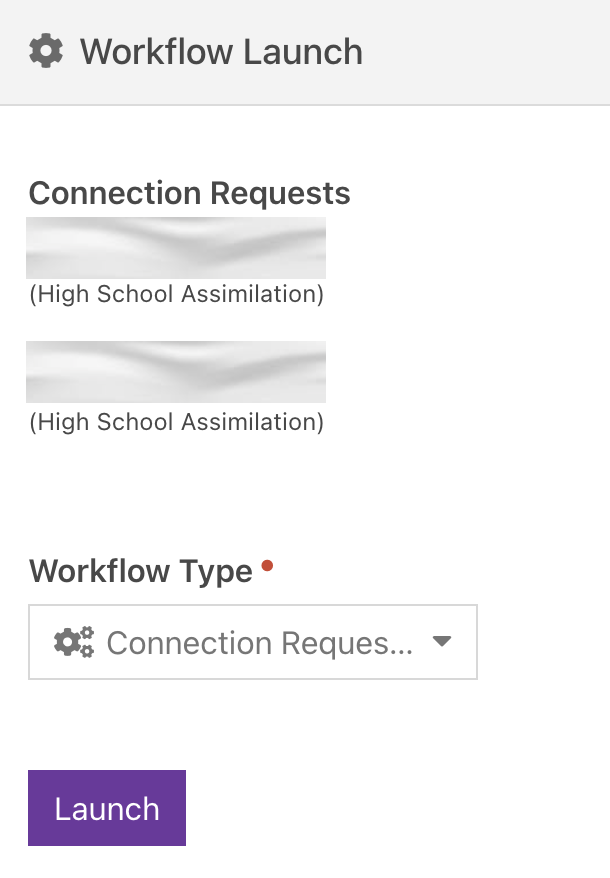
Step 6. All the connection requests about to be changed will be displayed. Select the workflow, "launch" and let Rock do it's magic 🪄
Download related file (Connection_Request_Transfer_to_New_Person_202201260850.json)