Recipe - Bulk Updating Steps
Skill level: Beginner
Organization: Lighthouse Church
Requires Rock: 1.12.0
{# strip images & classes from the HTML but otherwise leave structure #}
We are just rolling out our steps program as a church. I did not want to manually update every human that already had a baptism and serving attributes in our database. Thanks to the huge help of Michael Allen, it only took me about 5 minutes to bulk update.
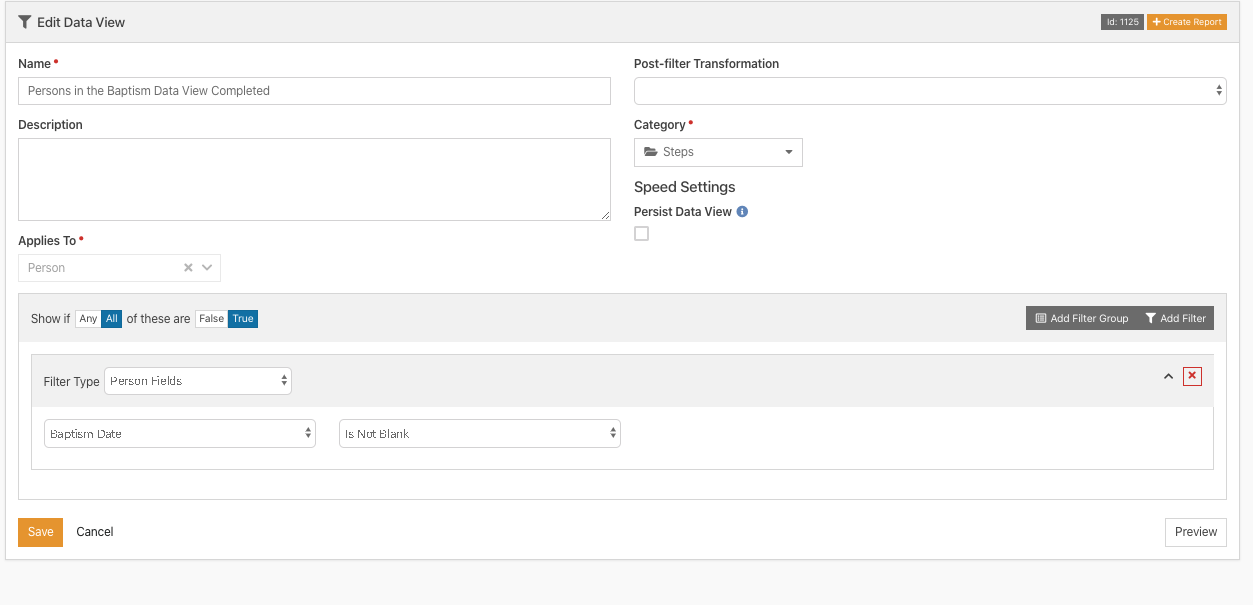
Step 1: Create a Data View with Everyone who has a baptism date person attribute.
Name: Persons In Baptism Data View Completed
Description: Anyone in the system that has a baptism date already entered
Applies To: Person
Filter Type: Person Fields
Baptism Date: Is Not Blank
Step 2: Create or Upload the Workflow Below to update the record
See the attachment for the workflow below
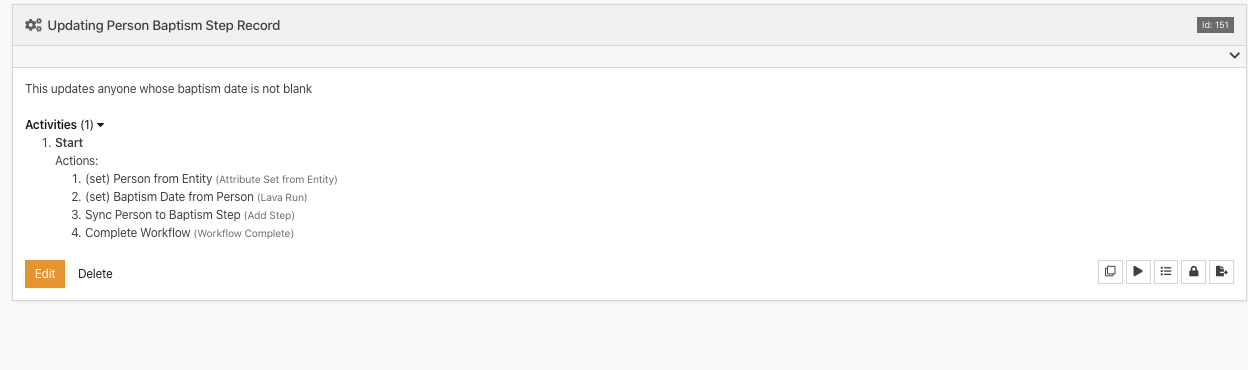
Step 3: Bulk Update the dataview with the workflow
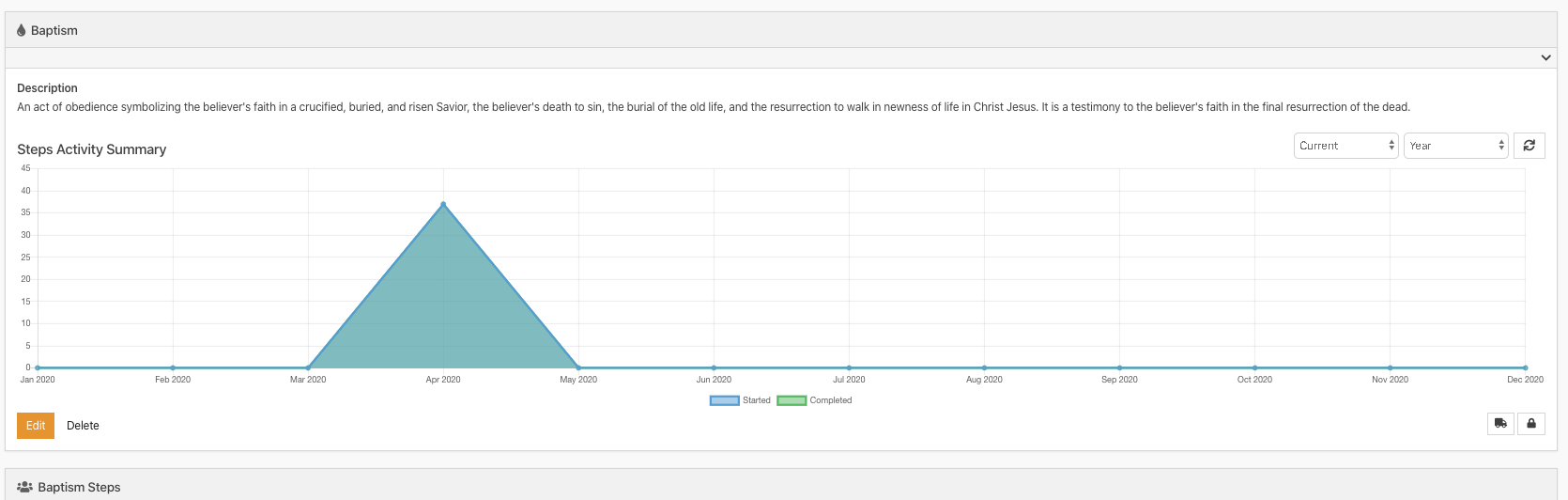
1. Return to the data view and press the truck icon in the top right corner
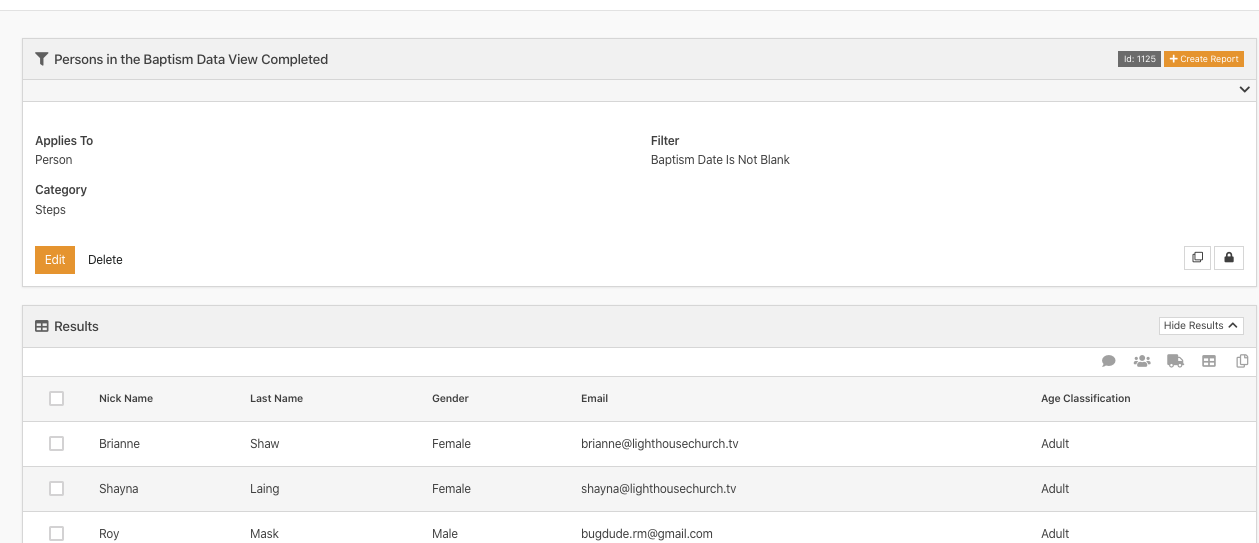
2. Choose the workflow to update with (if you don't see a workflow option, open the block settings and enable the workflow)
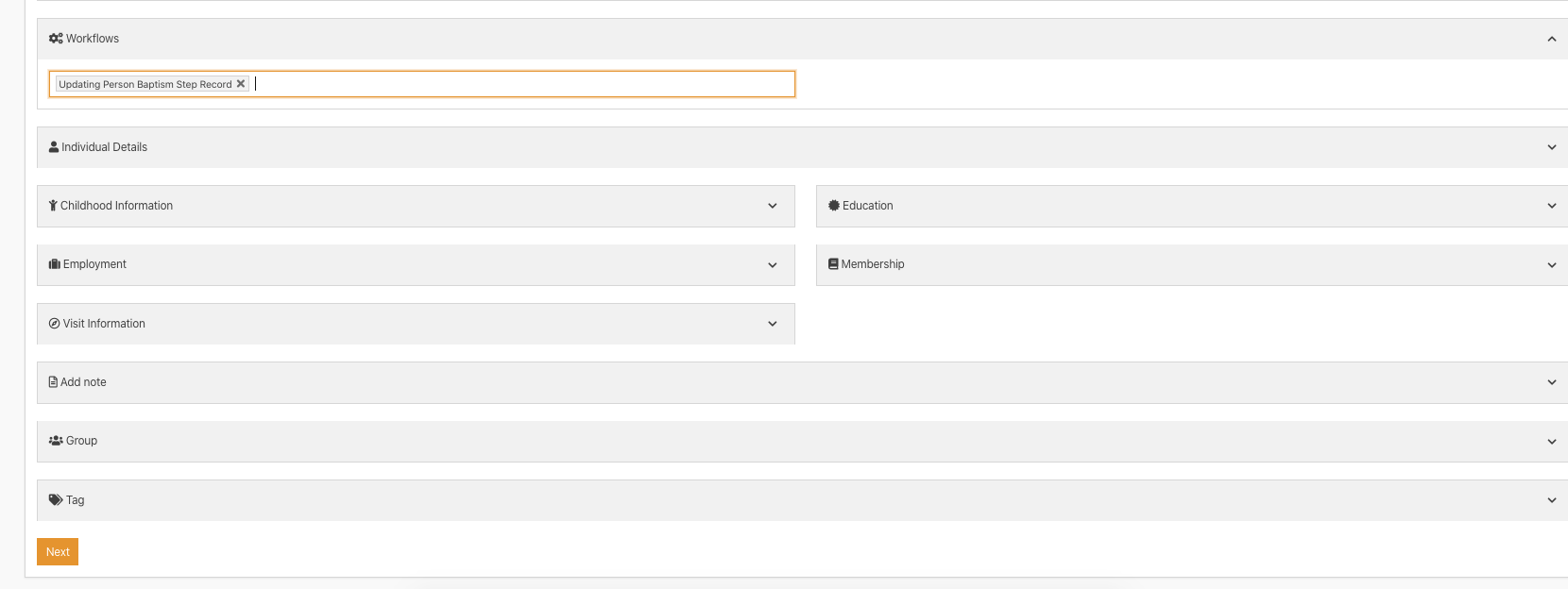
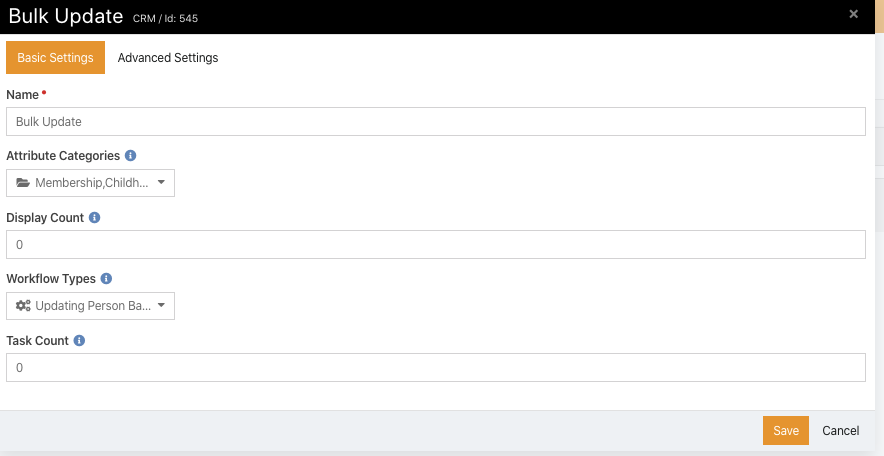
Hit Next and you should be done. Go to your steps page to see all the people that were automatically updated!
This is my first recipe, and I am still a novice at best, hope this helps you in some way.
Download related file (Updating_Person_Baptism_Step.textClipping)