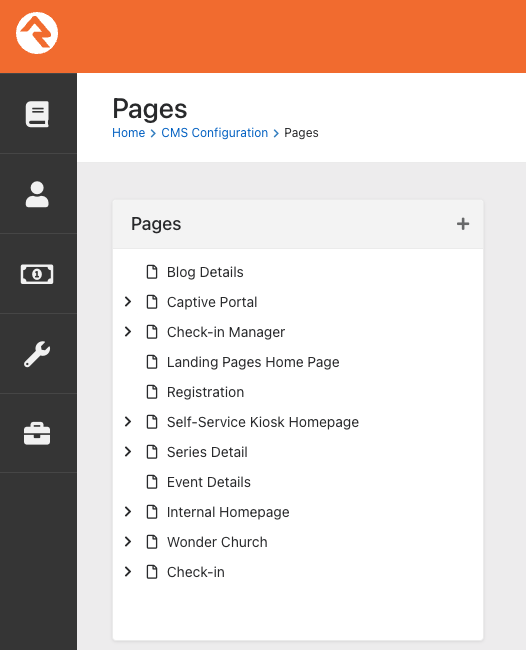
Super dumb question: How do I delete pages?
Like this "Blog Details" from the list below:
Is there a way to have it permanently removed?
You cannot delete any pages that are marked as “System” pages. Those are typically pages that were shipped with Rock as default pages. Even if you managed to delete them, they’d likely be restored when you update Rock.
I’d just ignore them.
If you click on it, you should get a delete option on the right side of the page.
I don't see it: